Quick access
Command palette
Ctrl+K (⌘K if you are on a Mac keyboard) opens a finder that covers the whole app: views, albums, artists, playlists, tracks, subscribed shows, actions, and settings.
Type freely, or narrow with a prefix:
| Prefix | Mode |
|---|---|
> |
Actions |
@ |
Artists |
# |
Playlists |
/ |
Settings |
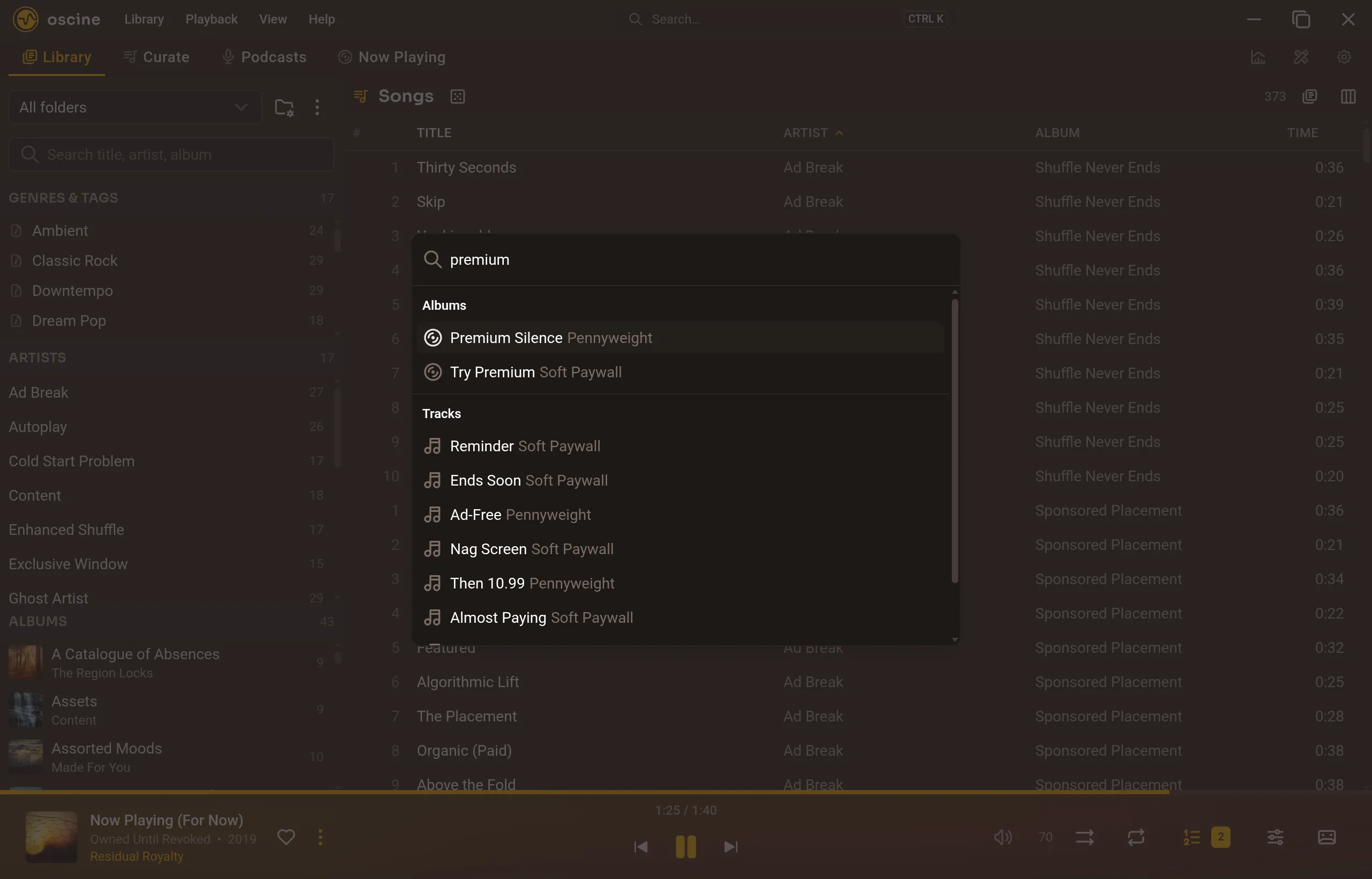
Simple settings toggle in place. Richer ones jump to the Settings row. Play, queue, and download fire and close the palette; progress lives on the panel that owns the work.
The search box in the title bar opens the same palette. You can hide that affordance, or hide the tab bar and live on the palette, from Interface settings.
Quick Menu
On Now Playing, a drawer from the left (so it never fights the Tunedeck):
- Favorite playlists
- Recent additions
- Favorite artists
Short lists, recomputed when you open it. A shortcut, not a second library.
Keyboard
Playback and navigation have a fixed default set, and your keyboard's media keys (play/pause, next, previous) drive Oscine through the OS. Rebinding is not in this release. Help in the app lists the bindings; Ctrl+K is the one to learn first.
The full set — global shortcuts, palette prefixes, double-click behavior, and media keys — is in Keyboard & shortcuts.